Draft for Lara’s review. Not public, not on Google.
Resources · Websites with AI
How to put your Claude website online for free, then on your own domain
Claude builds the files. Vercel puts them online. Here's the whole path in plain words, from "Claude says it can't make my site public" to your own domain.
By Lara Nelson · November 6, 2026 · 3 min read
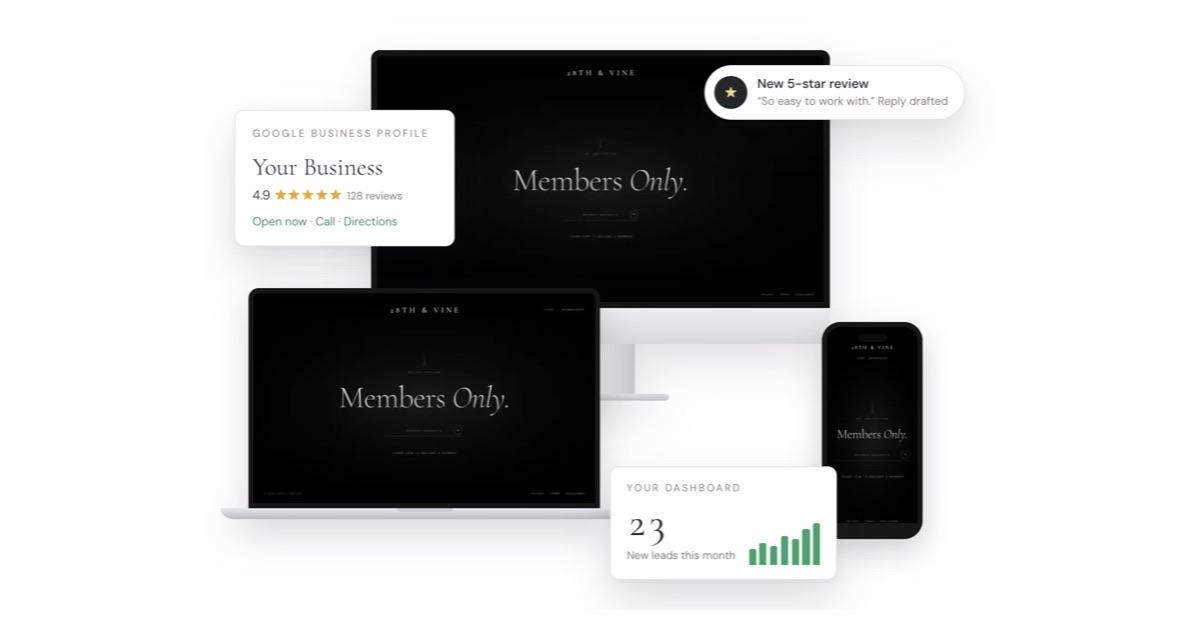
Here's the moment almost everyone hits: you've built a beautiful site with Claude, you ask it to "make it live," and it tells you it can't. That's normal. Claude builds the website. A host puts it on the internet. Here's how to connect the two, free, in an afternoon.
Why Claude can't put your site online by itself
Claude makes the files: the pages, the images, the styles. To be seen by the world, those files need to live on a server with an address. That's what a host does. The two most common free choices are GitHub Pages and Vercel.
Claude is the builder. Vercel is the address.
GitHub Pages or Vercel?
Both are free to start. I use Vercel because every time you save a change, it updates your live site automatically, and connecting your own domain takes a few clicks.
The steps
- 01Make a free GitHub account. It's where your website's files are saved, with every version you've ever had.
- 02Ask Claude Code to save your site to GitHub. Say exactly that, in plain words. It will walk you through signing in once.
- 03Make a free Vercel account, and sign up with your GitHub account so the two can talk.
- 04Import your site in Vercel. Choose the project from your GitHub list and press Deploy. In about a minute, you'll have a live link.
- 05Check it on your phone. Open the link on your phone before you share it with anyone.
If the build fails
Vercel will show a red error and a log. Copy the whole log, paste it into Claude Code, and ask: "Explain what went wrong in plain words, then fix it." Nine times out of ten it's one missing piece, and it's fixed in a minute.
Putting it on your own domain
- Buy a domain, if you don't have one. Vercel sells them, or use the company you already have. Most cost about $12 to $25 a year.
- In Vercel, open your project, go to Domains and add it. Vercel tells you exactly which settings to change.
- If your domain is somewhere else, copy those settings into your domain company's DNS page. Don't delete your email records (they're labeled MX) or your email will stop.
- Wait. It's often live in minutes, and occasionally takes a few hours.
Want every step and prompt in one place, from first chapter to live site? That's The Story Scroll. Not sure which Claude to use? Here's the difference.
Questions people ask
Is hosting a website on Vercel really free?
Yes, for personal, non-commercial sites on the Hobby plan. Business sites belong on the Pro plan, which is $20 a month.
Should I use GitHub Pages or Vercel?
Both work. Vercel updates your site automatically every time you save a change and makes connecting a domain simpler, which is why I use it.
How long does a new domain take to work?
Often a few minutes, sometimes a few hours. Vercel shows a check mark when it's ready.
Will connecting my domain break my email?
Not if you leave your email records (MX records) alone. Only change the records Vercel asks you to change.
Keep reading
 Websites with AIHow to build a website with Claude when you've never codedYou don't need to know code. You need a plan, a clear brief and about a weekend. Here's how a non-coder builds a real website with Claude, start to finish.
 Websites with AIClaude chat, Claude Design or Claude Code, which one should build your website?Claude can make a website three different ways. Here's what each one is good for, what it costs, and the one I'd pick for a site you actually own.
 Story websitesWhat a story website is, and why it beats a PDF résuméA résumé lists what you did. A story website shows who you are and why it matters. Here's what one is, what goes on it, and how to make your own.